![Engagedly dark.png]](https://help.engagedly.com/hs-fs/hubfs/Engagedly%20dark.png?height=31&name=Engagedly%20dark.png)
Admins can view the audit log to track and monitor other admins’ activities in team pulse, such as changes to configurations, user accounts, roles, permissions, and other settings.
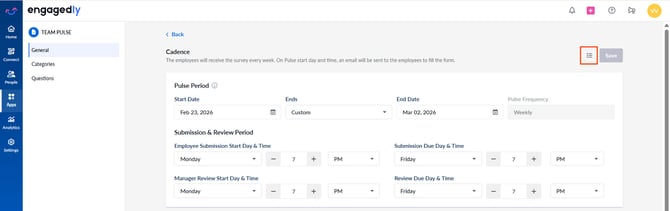
Navigate to Apps > Team Pulse > Settings > General.
- Click the List
.png?width=30&height=30&name=list%20icon%20(grey).png) icon at the top right.
icon at the top right.