Navigation: Home > My Workspace > Resources
- Head over to the Resources overview.
- Type the file or folder title in the Search box.
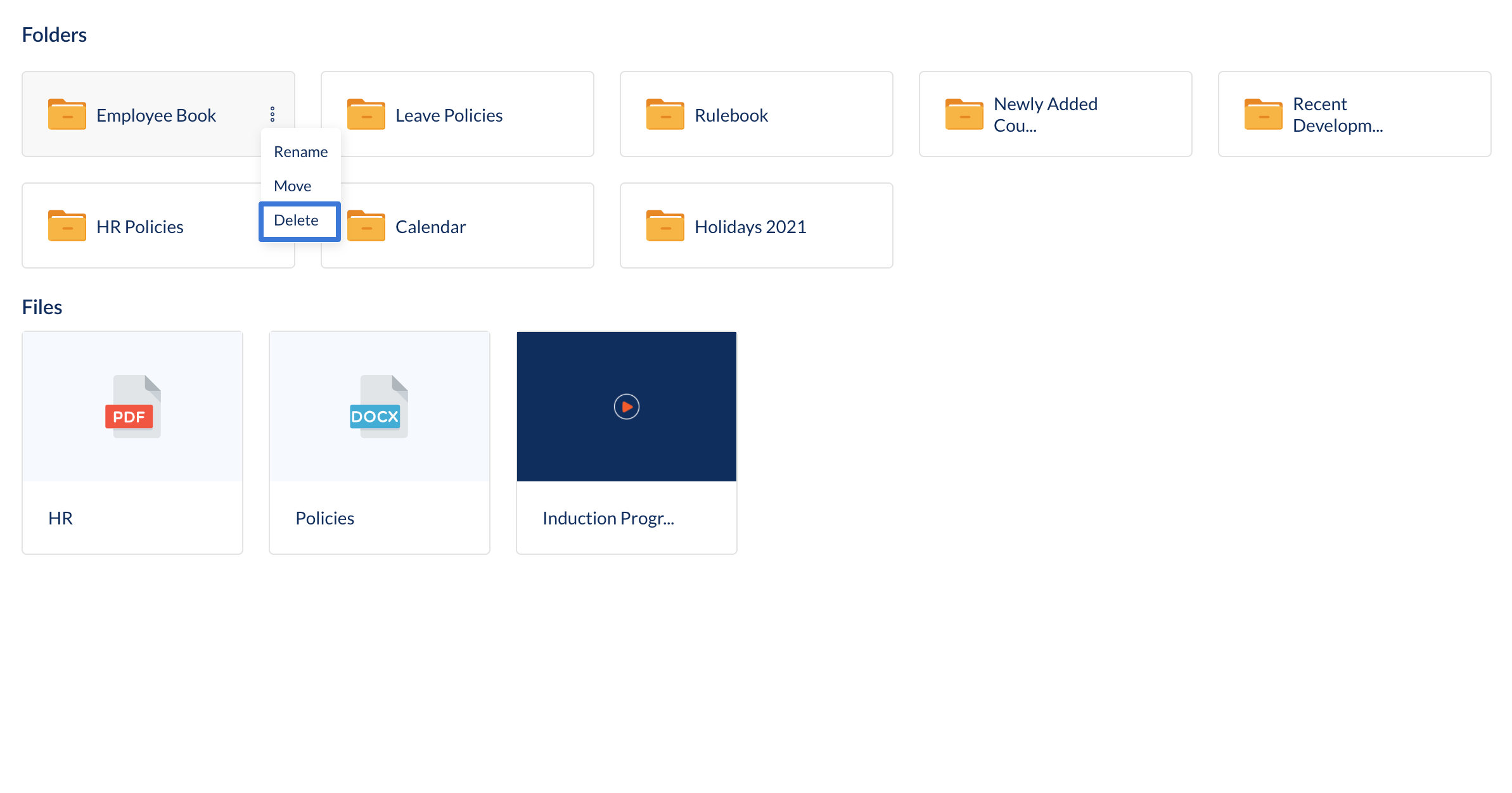
- Hover over a file or folder.
- Click the overflow menu and choose Delete.
![Engagedly dark.png]](https://help.engagedly.com/hs-fs/hubfs/Engagedly%20dark.png?height=31&name=Engagedly%20dark.png)
Navigation: Home > My Workspace > Resources