![Engagedly dark.png]](https://help.engagedly.com/hs-fs/hubfs/Engagedly%20dark.png?height=31&name=Engagedly%20dark.png)
Navigate to Home > Check-Ins.
- Go to Overview and click LAUNCH.
- Select For Myself from the drop-down.
- Select New to create a check-in from scratch, and then click NEXT.
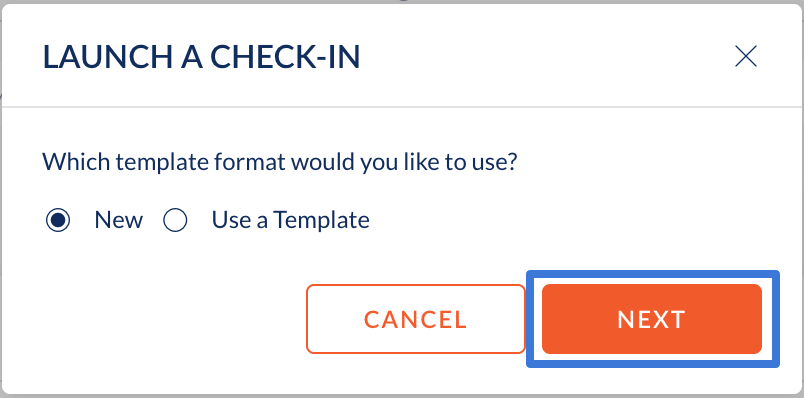
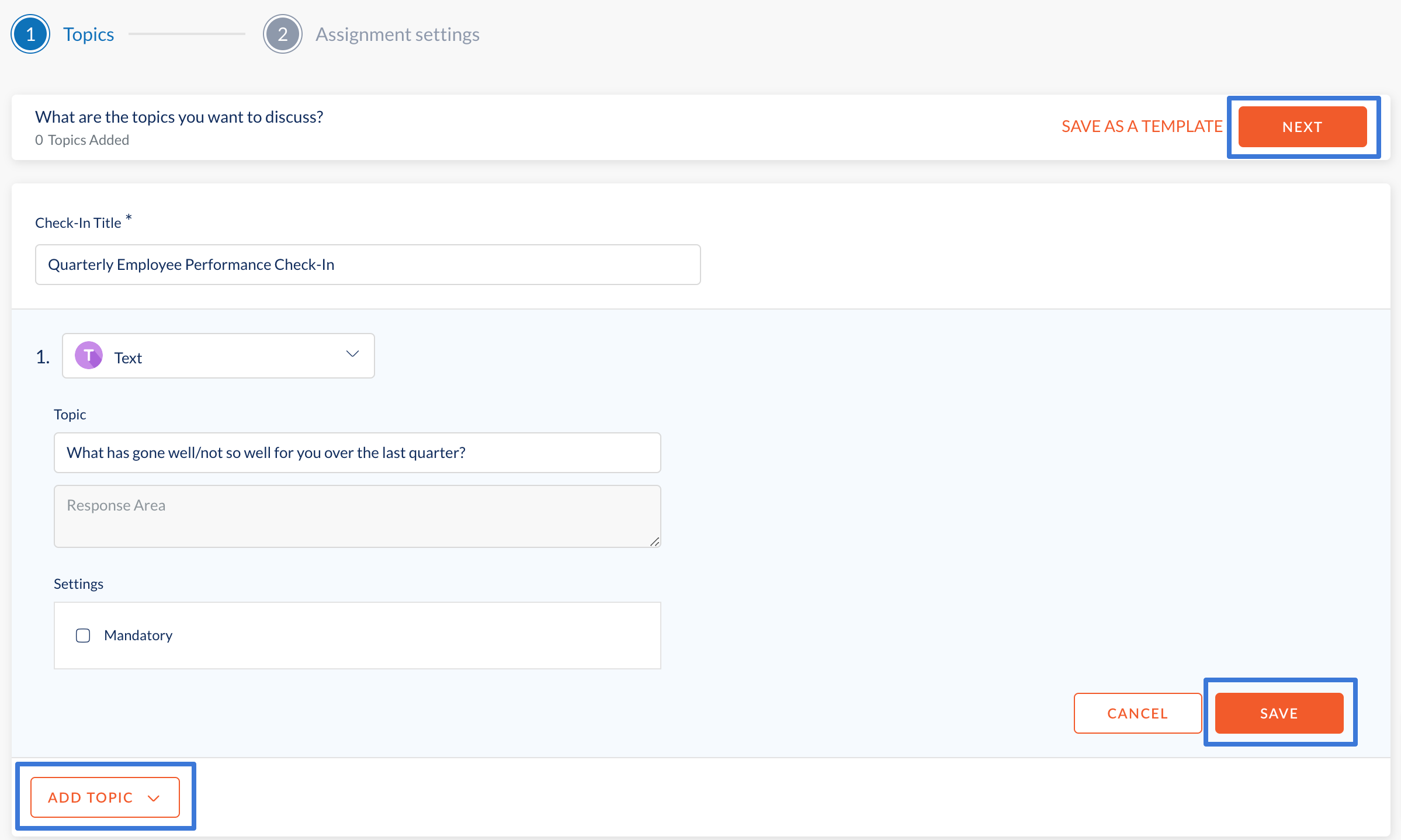
4. Enter the check-in title and click ADD TOPIC.
5. Select a question type (text, multiple choice, or rating scale) from the drop-down.
6. Enter the question and click SAVE.
7. Repeat steps 2 to 4 to keep adding more topics for check-ins and click NEXT.
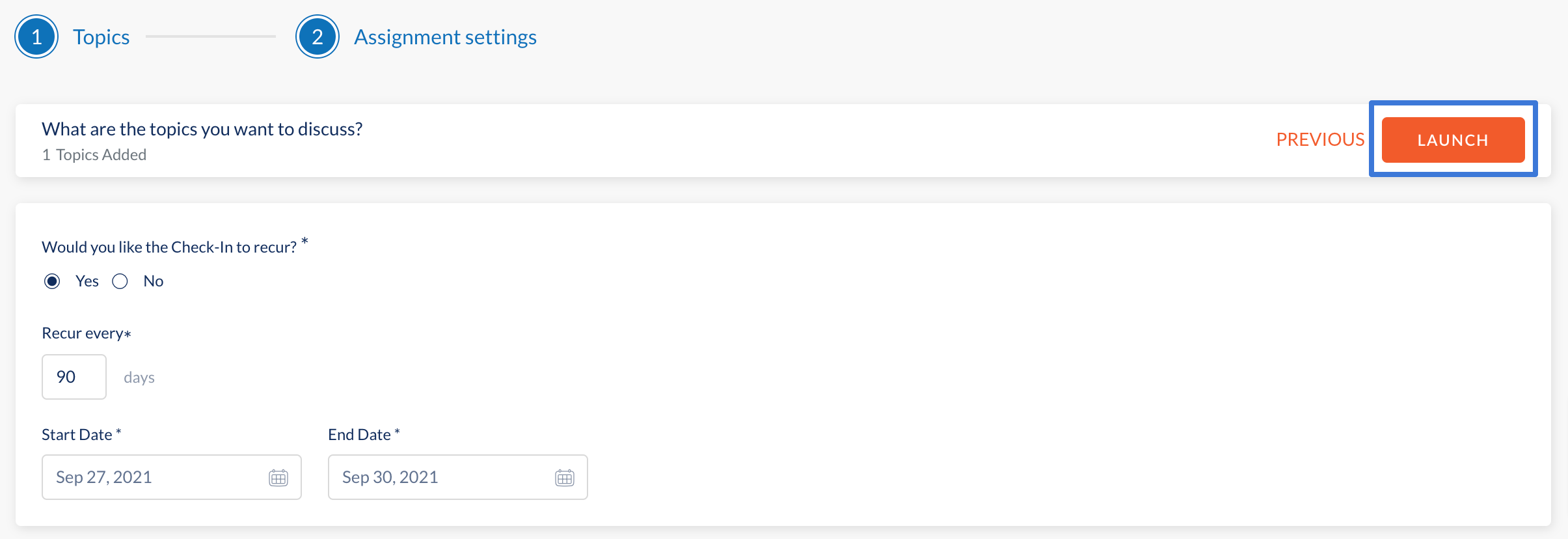
- To recur a check-in, select the number of days.
- Select the start and end dates for the check-in.
- To non-recur a check-in, select the due date.
8. Click LAUNCH.
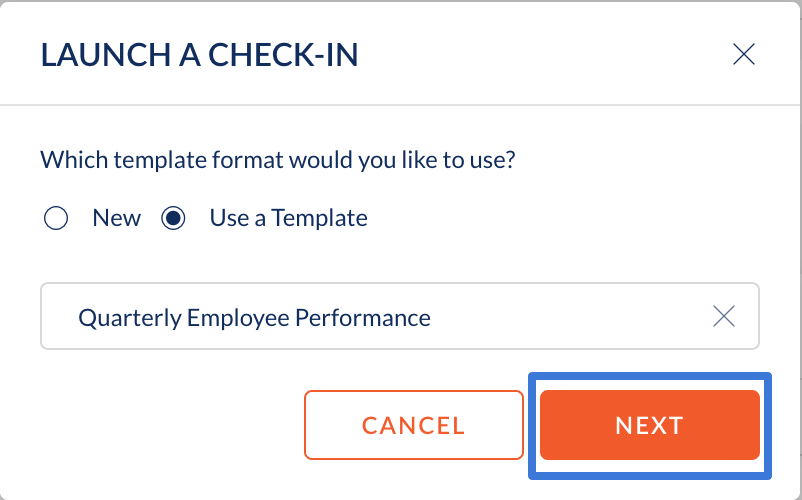
Alternatively, select Use a Template to use a predefined check-in template.
- Click Select Templates to select a template from the dropdown menu and click Next.
- Edit the predefined template if required, and click NEXT.
- Follow the same steps to launch a recurring or non-recurring check-in.