![Engagedly dark.png]](https://help.engagedly.com/hs-fs/hubfs/Engagedly%20dark.png?height=31&name=Engagedly%20dark.png)
Navigation: Home > Check-Ins > Templates
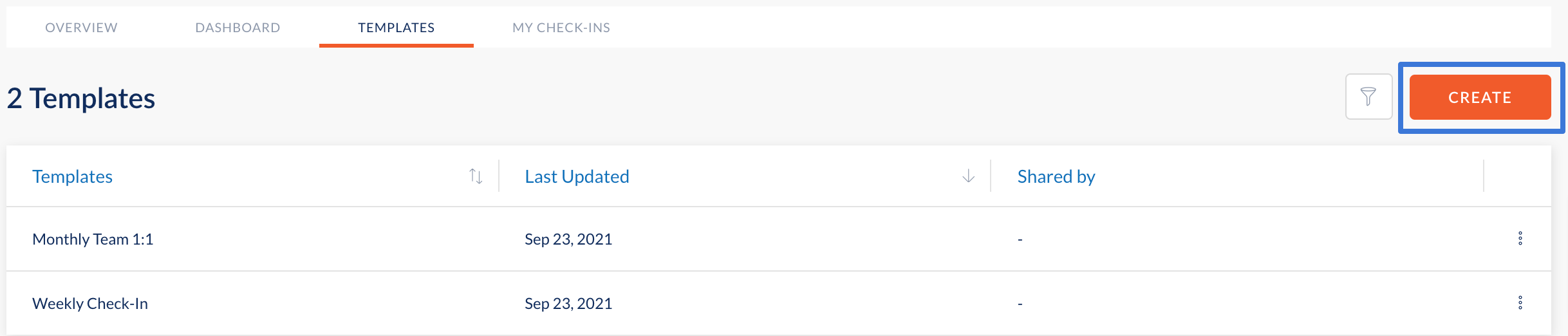
- Click Create.
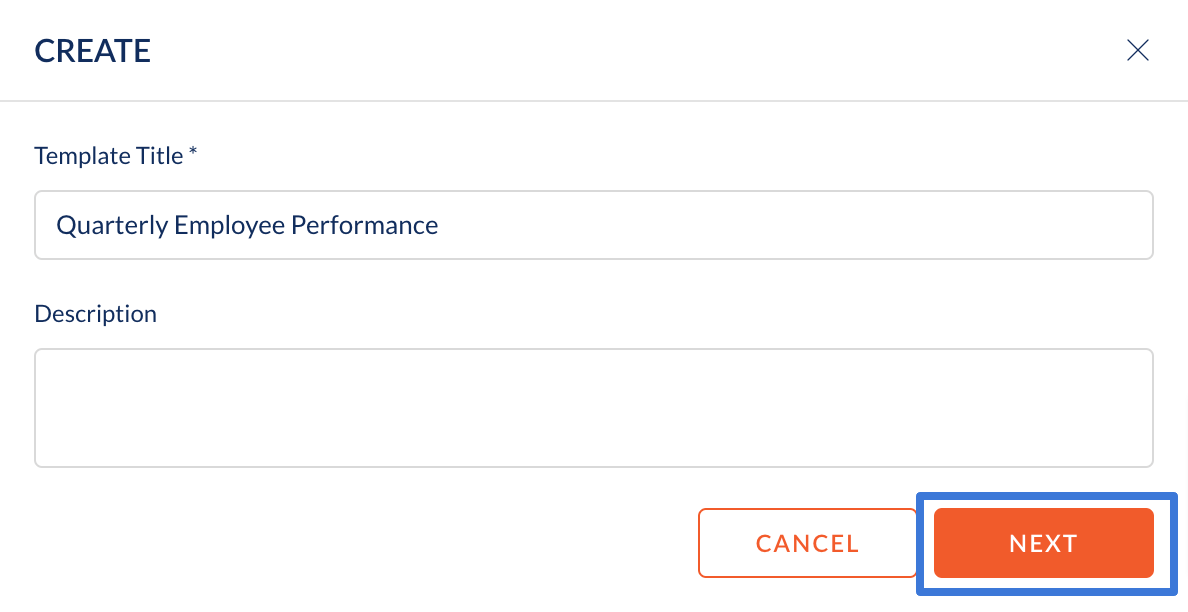
2. Enter a Template Title, Description(optional) and click Next to create a template.
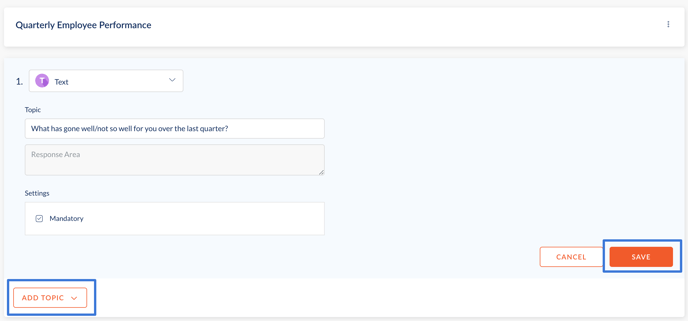
3. Select a question type (Text, Multiple Choice, Rating Scale) from the dropdown.
4. Enter your question in the required fields and click Save.
5. To add more topics, click Add Topic.
6. Repeat steps 3-5 to keep adding more topics of discussion for check-ins and click Close once done.